ClientPad + Apollo
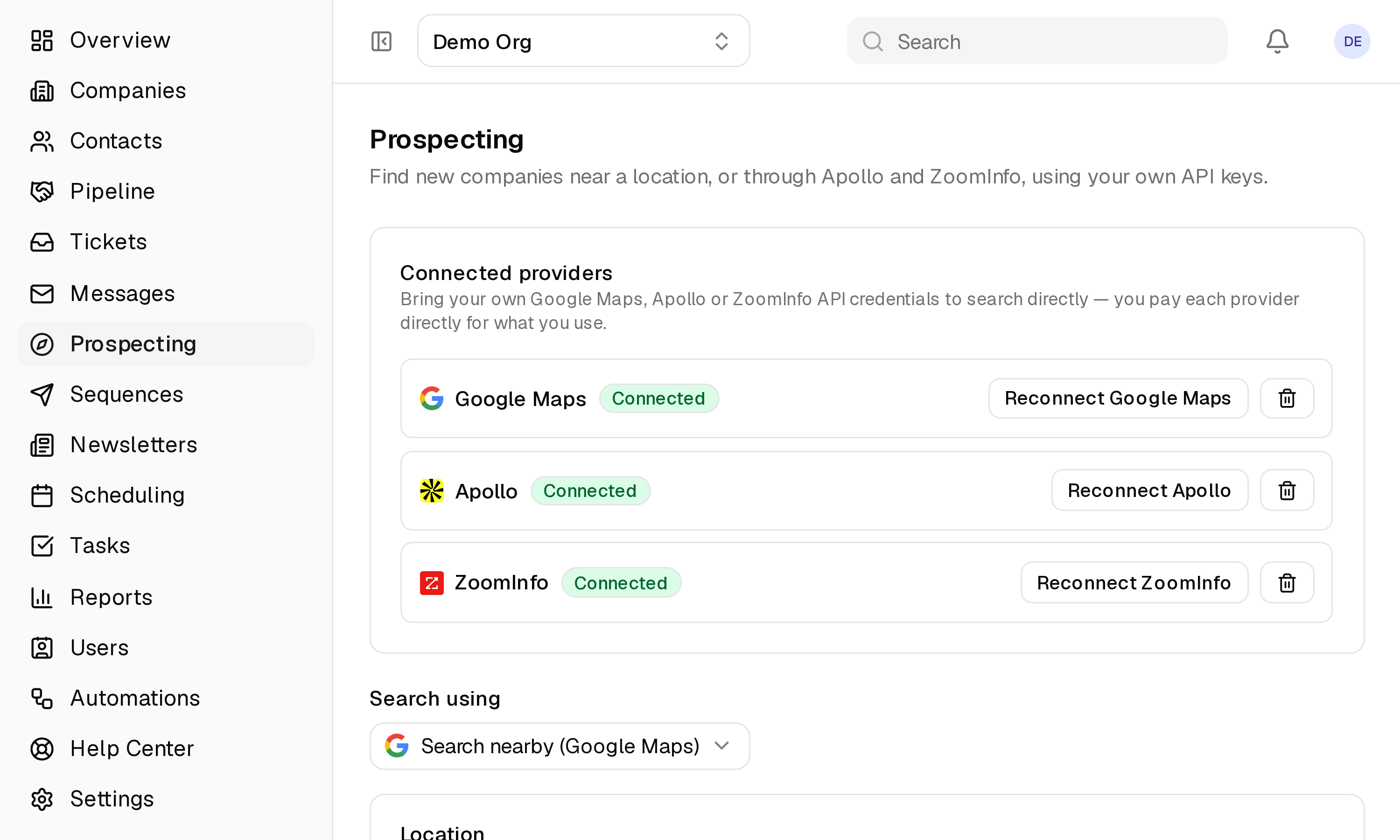
Find companies and the people at them with your own Apollo account, review the results, and import what you want.
- Prospecting
- Every plan, including Free
- Set up in Prospecting → Connected providers
app.clientpad.com
What you can do
- Search by industry, location, size and job title; see companies and verified contacts before anything is added.
- Pick individual results or all of them, choose the lists they join, and import into Companies and Contacts.
- Your Apollo credits, your account — ClientPad adds no markup and stores only what you import.
How to connect it
- Open Prospecting → Connected providers and click Connect Apollo.
- Paste the API key from Apollo's Settings → Integrations → API.
Access & privacy
Your Apollo key is stored encrypted and used only for the searches you run. Apollo bills your account directly; ClientPad adds no markup and keeps only what you import.
Also in prospecting
- ZoomInfo — Company and contact search through your ZoomInfo subscription, signed in with your ZoomInfo account.
- Google Maps — Find local businesses by place and industry, with contacts read from their own websites.
Try it with Apollo
Free plan, no card. Connect it from inside the app in a few minutes.