ClientPad + Any SMTP service
@
Amazon SES, Mailgun, Postmark, SMTP.com, a self-hosted relay — any provider with SMTP credentials connects like a mailbox.
- Every plan, including Free
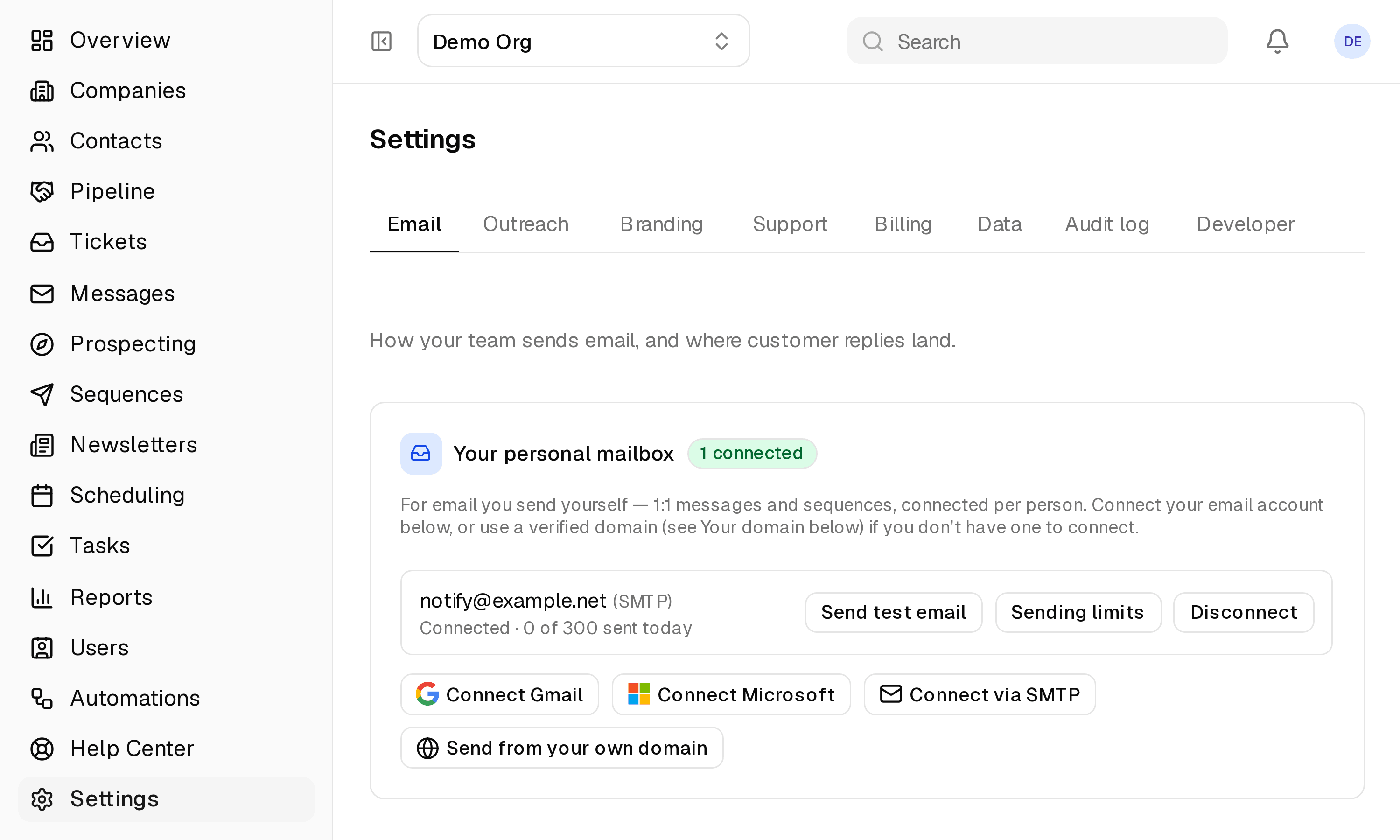
- Set up in Settings → Email
app.clientpad.com
What you can do
- Sequences and one-to-one email through your own sending service.
- The connection is tested with a real login before it is saved, and a test email proves a send goes through.
How to connect it
- Open Settings → Email and choose Connect an SMTP mailbox.
- Enter the host, port, username, password and the From address your provider gave you.
Access & privacy
Your SMTP credentials are tested with a real login before they are saved, stored encrypted, and used only to send the email you compose or schedule.
Also in email
- Gmail & Google Workspace — Send sequences and one-to-one emails from your own Gmail address, so replies land in your inbox like any other email.
- Microsoft 365 & Outlook — The same sending setup for Outlook and Microsoft 365 mailboxes.
Try it with Any SMTP service
Free plan, no card. Connect it from inside the app in a few minutes.