ClientPad + Your website
</>
Booking pages and lead-capture forms on any site — WordPress, Webflow, Squarespace, plain HTML — with one script tag or a QR code.
- Your website
- Every plan, including Free
- Set up in A form's or booking page's Share dialog
app.clientpad.com
What you can do
- Embed a booking calendar or a lead form inline, or open either in a popup from any button.
- A submission creates the contact, adds it to the lists you chose, and starts any sequence those lists trigger.
- A QR code for every form, for print and in person.
How to connect it
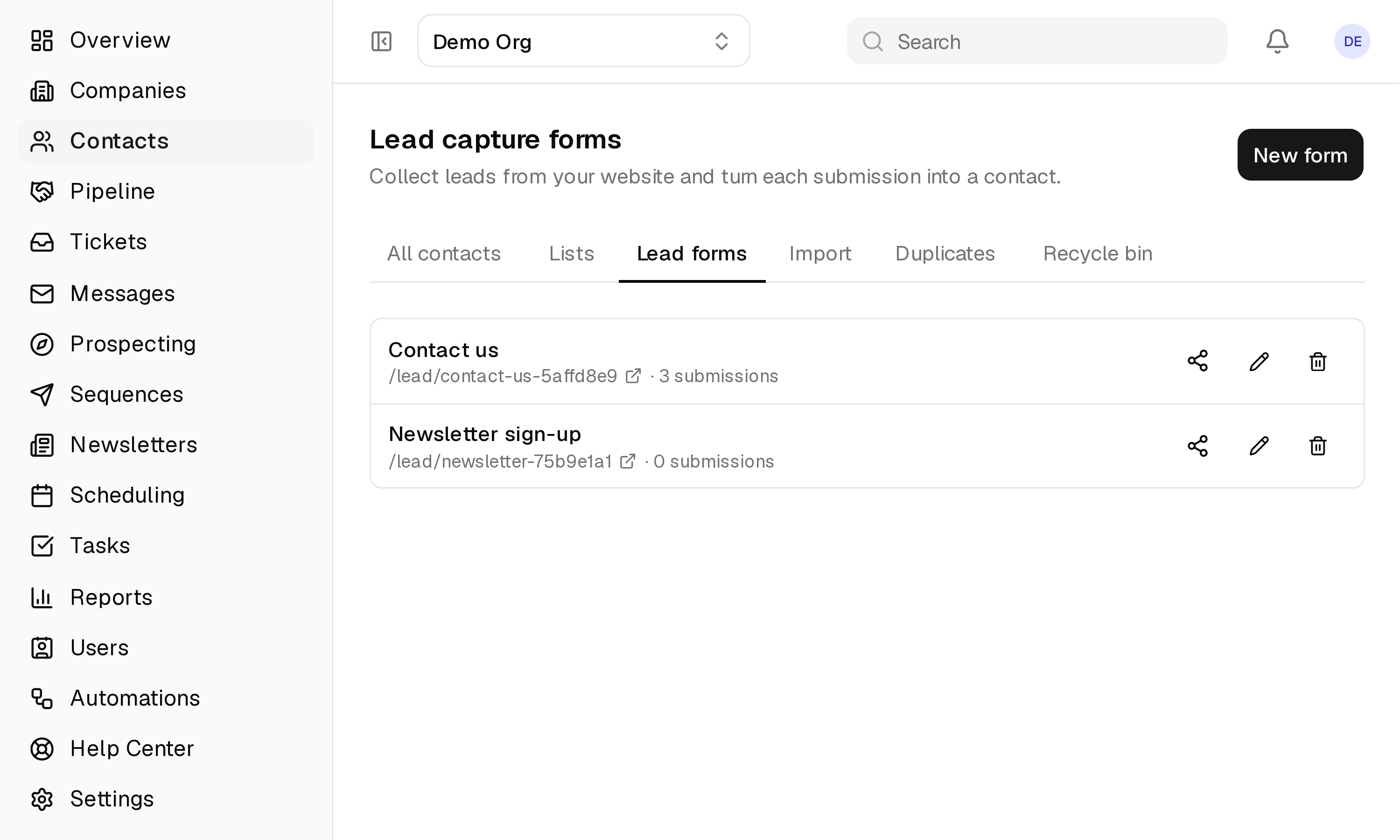
- Open a booking page or a lead form and click Share / Embed.
- Paste the snippet into your site. No account or plugin needed on the site's side.
Access & privacy
Nothing to install on your site and no account for your visitors. Embeds can be limited to the origins you list, and every submission or booking creates a contact with its source and consent recorded.
Try it with Your website
Free plan, no card. Connect it from inside the app in a few minutes.