ClientPad + ChatGPT
GPT
The same ClientPad connector, inside ChatGPT: read your CRM, help desk and schedule, and act on them from the chat.
- AI assistants
- Every plan, including Free
- Set up in ChatGPT → Apps & connectors
app.clientpad.com
What you can do
- Search contacts and companies, list recent contacts, see the pipeline by stage, read ticket threads.
- Create and update records, move deals, add notes and tasks — nothing is deleted and no email is ever sent.
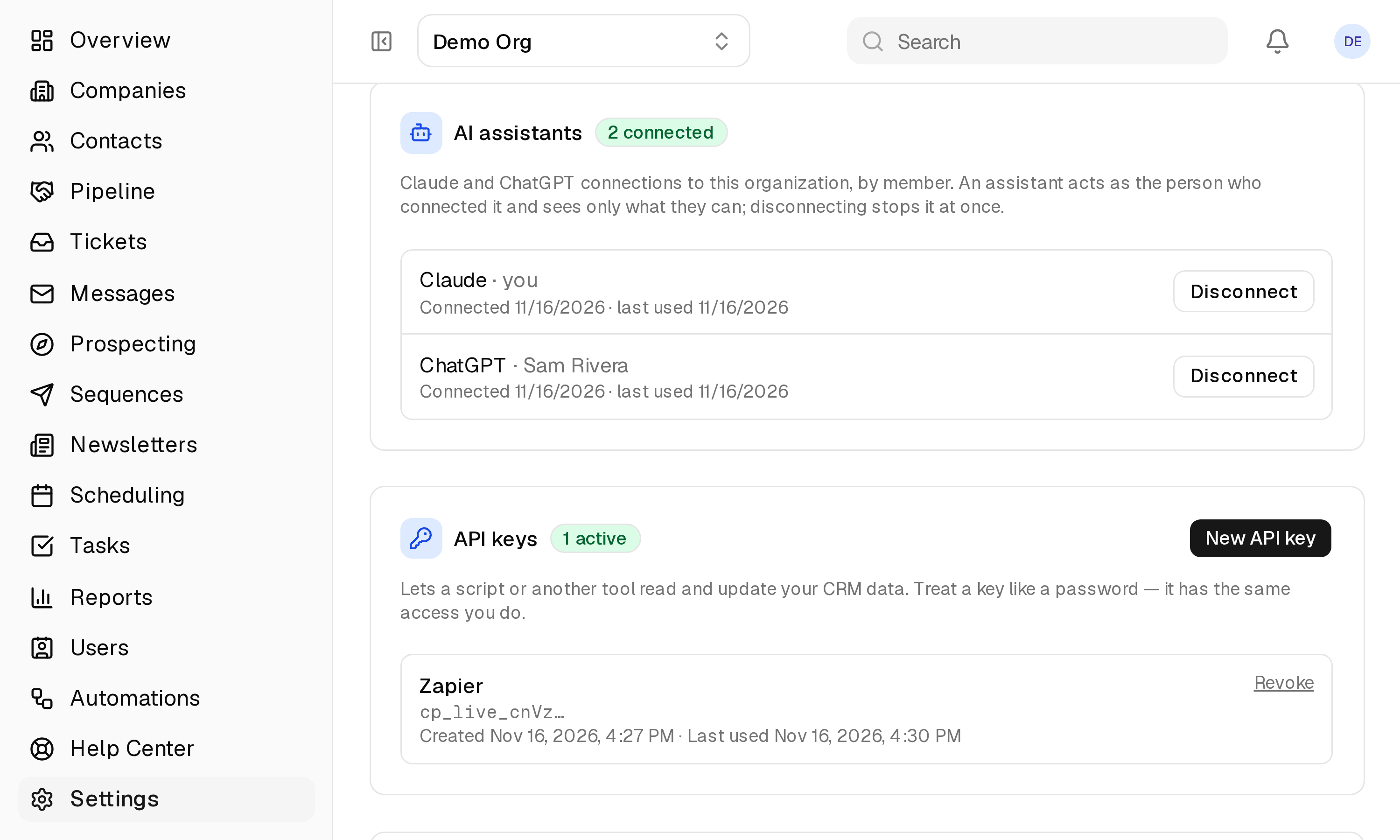
- One organization per connection, under your own permissions; disconnect any time from Profile → Connected apps.
How to connect it
- In ChatGPT, open Settings → Apps & connectors and add the ClientPad app (or, in developer mode, the URL https://app.clientpad.com/mcp).
- Click Connect, sign in to ClientPad and choose the organization to share.
Access & privacy
ChatGPT acts as you, in the one organization you chose, with the permissions you have — nothing more. It cannot send email or delete records. Disconnect from Profile → Connected apps and its access stops at once.
Also in ai assistants
- Claude — Ask Claude about your contacts, deals and tickets, and have it add notes, tasks and records for you.
Try it with ChatGPT
Free plan, no card. Connect it from inside the app in a few minutes.