ClientPad + Google Meet
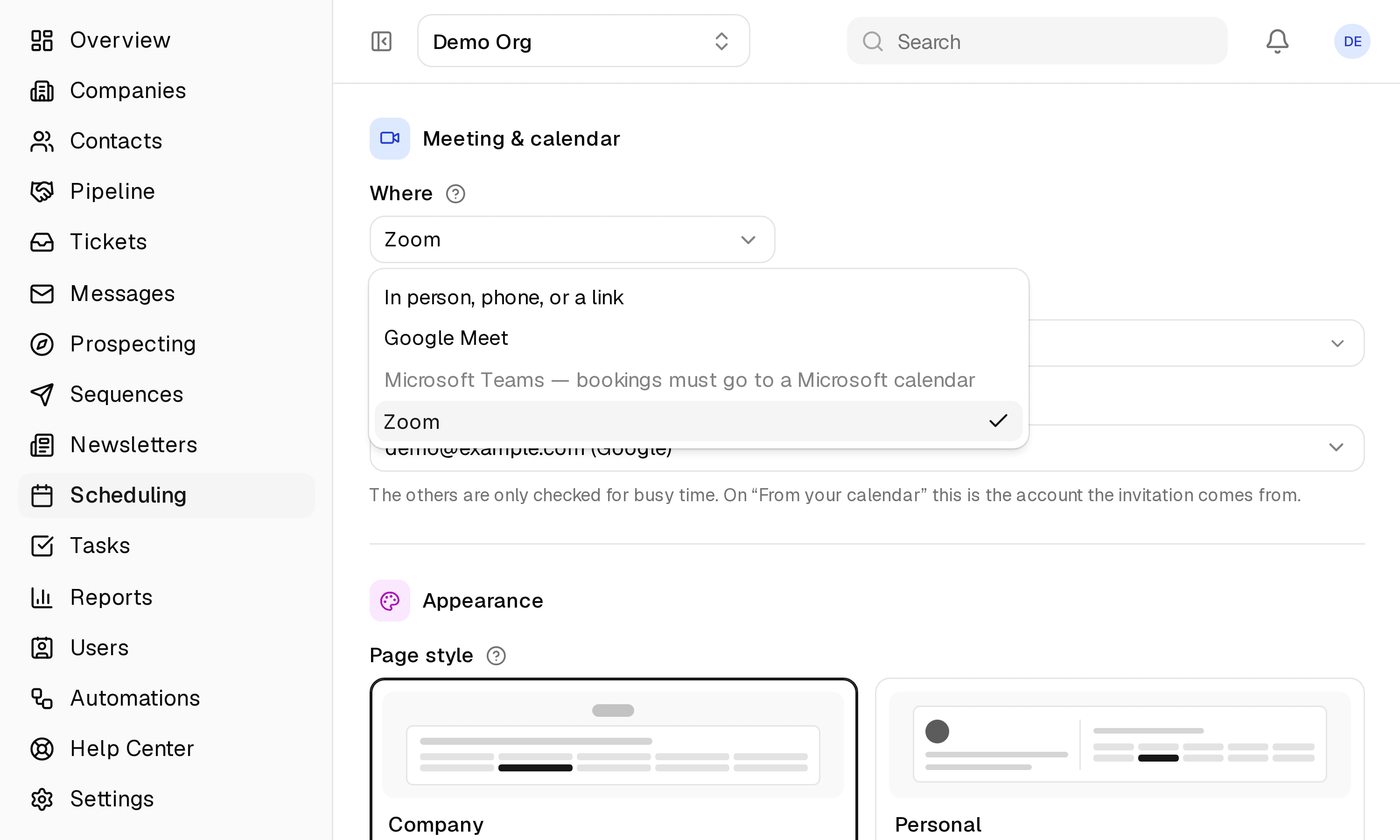
Meet links made with the calendar event, no extra account to connect.
- Calendar & video calls
- Every plan, including Free
- Set up in A booking page's editor → Where
app.clientpad.com
What you can do
- Every booking on a page set to Google Meet gets a Meet link, created on your Google Calendar event.
- The link goes into the confirmation, reminders and invite, and the event moves with the booking.
How to connect it
- Connect Google Calendar.
- On a booking page whose calendar is Google, set the video call to Google Meet.
Access & privacy
No extra permission: Meet links are created on the calendar event, under the calendar access you already granted.
Also in calendar & video calls
- Google Calendar — Your booking pages offer only the times you are actually free, and every booking lands on your calendar.
- Microsoft 365 Calendar — Outlook and Microsoft 365 calendars work the same way as Google: free time only, and every booking on your calendar.
- Zoom — A Zoom meeting for every appointment booked through your booking page, with the join link in every email and invite.
- Microsoft Teams — Teams meetings created with the Outlook event for every booking.
Try it with Google Meet
Free plan, no card. Connect it from inside the app in a few minutes.