ClientPad + Zapier
Z
Connect ClientPad to thousands of other apps with no code: instant triggers on new and changed records, actions to create them.
- Automation & developers
- Every plan, including Free
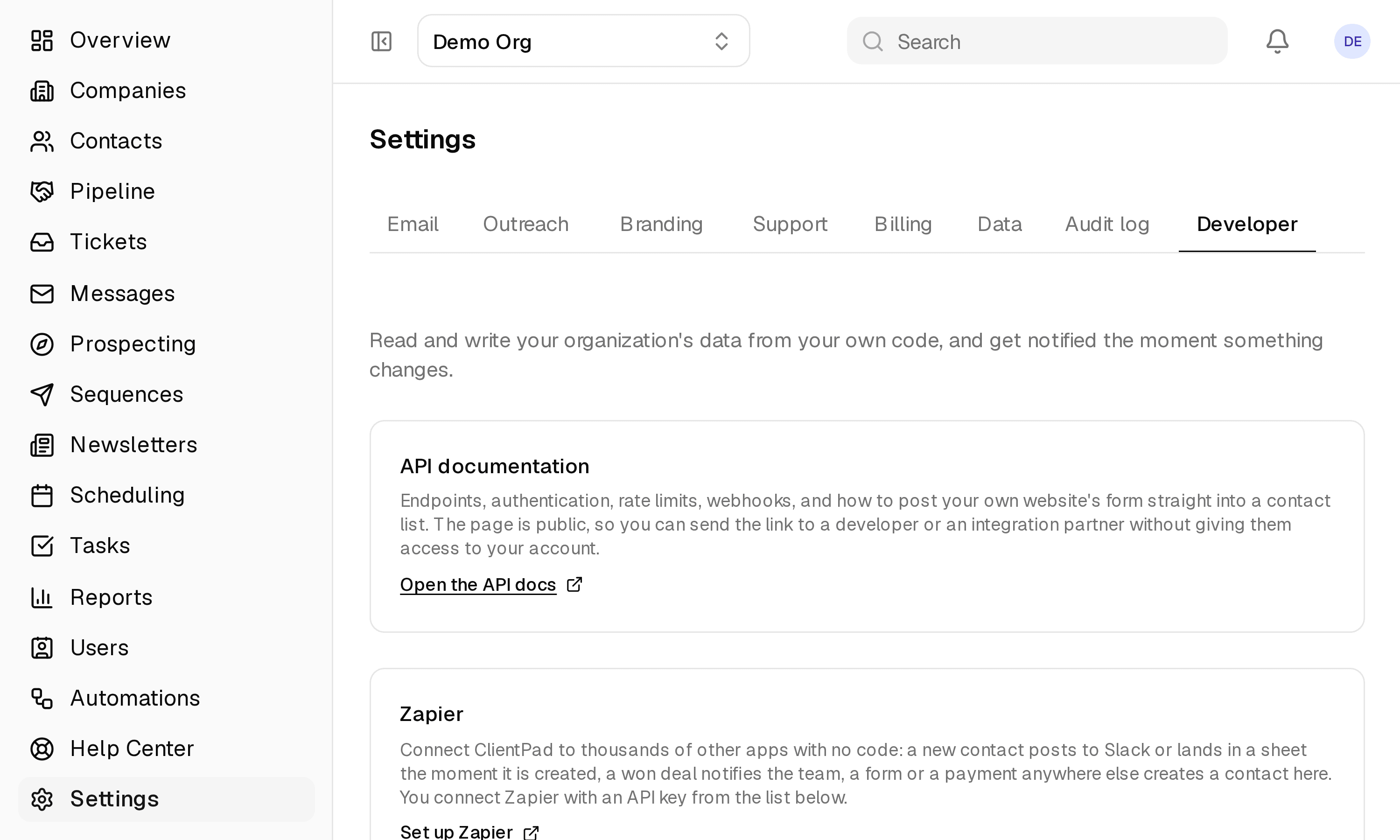
- Set up in Settings → Developer → API keys
app.clientpad.com
What you can do
- Instant triggers: New Contact, Updated Contact, New Company, Updated Company, New Deal, Deal Stage Changed.
- Actions: Create Contact, Create Company, Create Deal, Add Contact to List; searches to find a contact or company for find-or-create steps.
- A new lead posts to Slack, a won deal lands in a sheet, a payment anywhere else adds the customer to an onboarding list that starts a sequence.
How to connect it
- In ClientPad, open Settings → Developer → API keys and create a key named Zapier.
- In Zapier, add a ClientPad step to a Zap, click Connect, and paste the key.
Access & privacy
Zapier connects with an API key you create, which has the same access as you. Only a hash of the key is stored; revoke it from Settings → Developer and every Zap using it stops immediately.
Also in automation & developers
- REST API & webhooks — Read and write contacts, companies, deals and tickets over HTTPS with JSON, and get a webhook the moment something changes.
Try it with Zapier
Free plan, no card. Connect it from inside the app in a few minutes.